Concert / Sound lead
Ssangbae · Ssangchang Concert
Overall sound direction for streamer Ssangbae’s Ssangchang Concert. A complete concert recording from the official SsangTube channel.
ConnectLabs / Audio portfolio
Remote microphone and vocal audio setup for talk and singing. Built around your voice and the equipment you already use.
Audio setup by 악몽 Nightmare. Since 2022.
01 / Listen to the work
05Public sound examples
A concert, a conversation, three singing clips. Five public examples of the sound in use.
Concert / Sound lead
Overall sound direction for streamer Ssangbae’s Ssangchang Concert. A complete concert recording from the official SsangTube channel.
Talk / Broadcast audio setup
Broadcast audio setup for voice actor Nam Doh-hyeong. An interview from his official Blue Club channel.
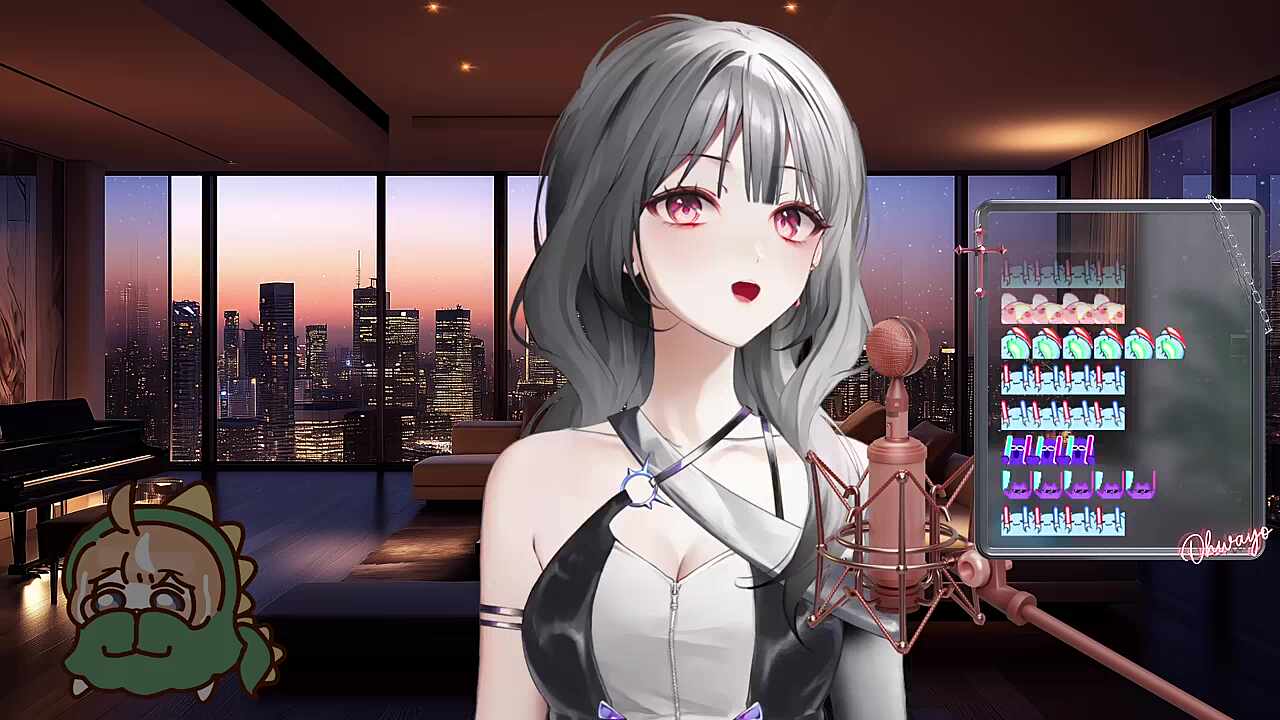 1:52
1:52Singing / Audio setup
Ailee — Singing Got Better. A singing-stream clip published on CHZZK.
 0:44
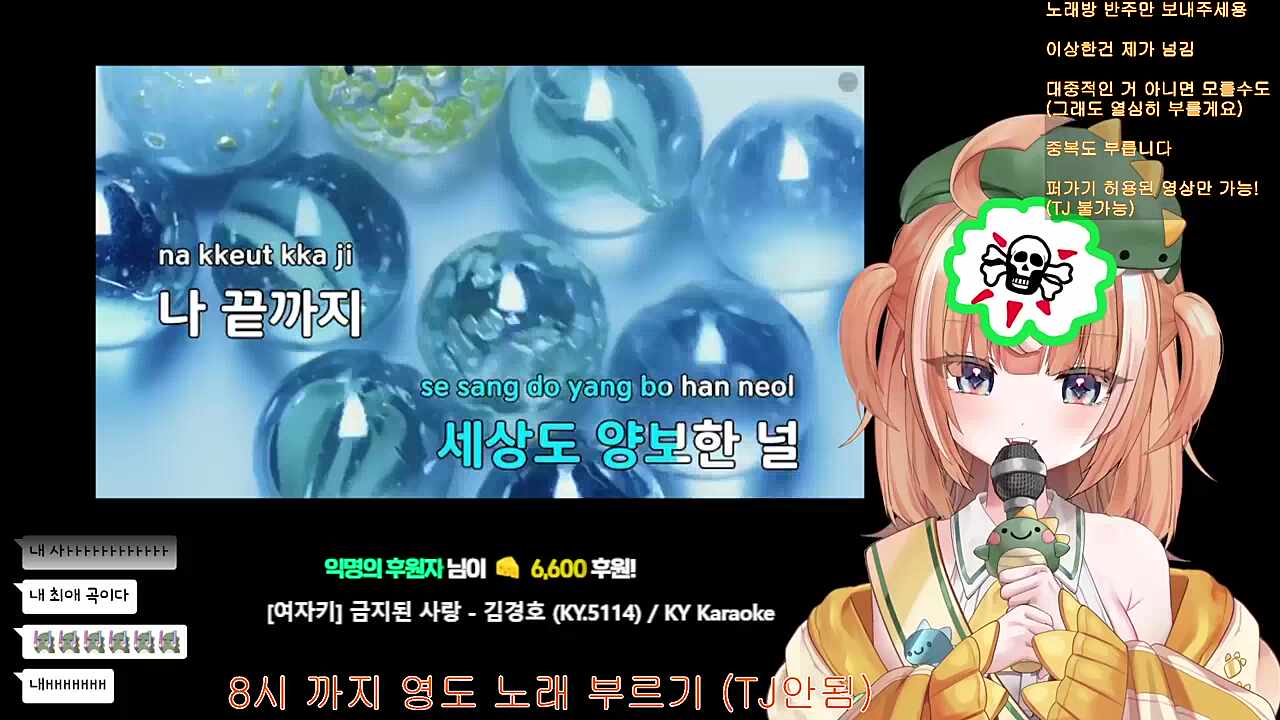
0:44Singing / Audio setup
Forbidden Love — singing highlight from the creator’s CHZZK channel.
 1:01
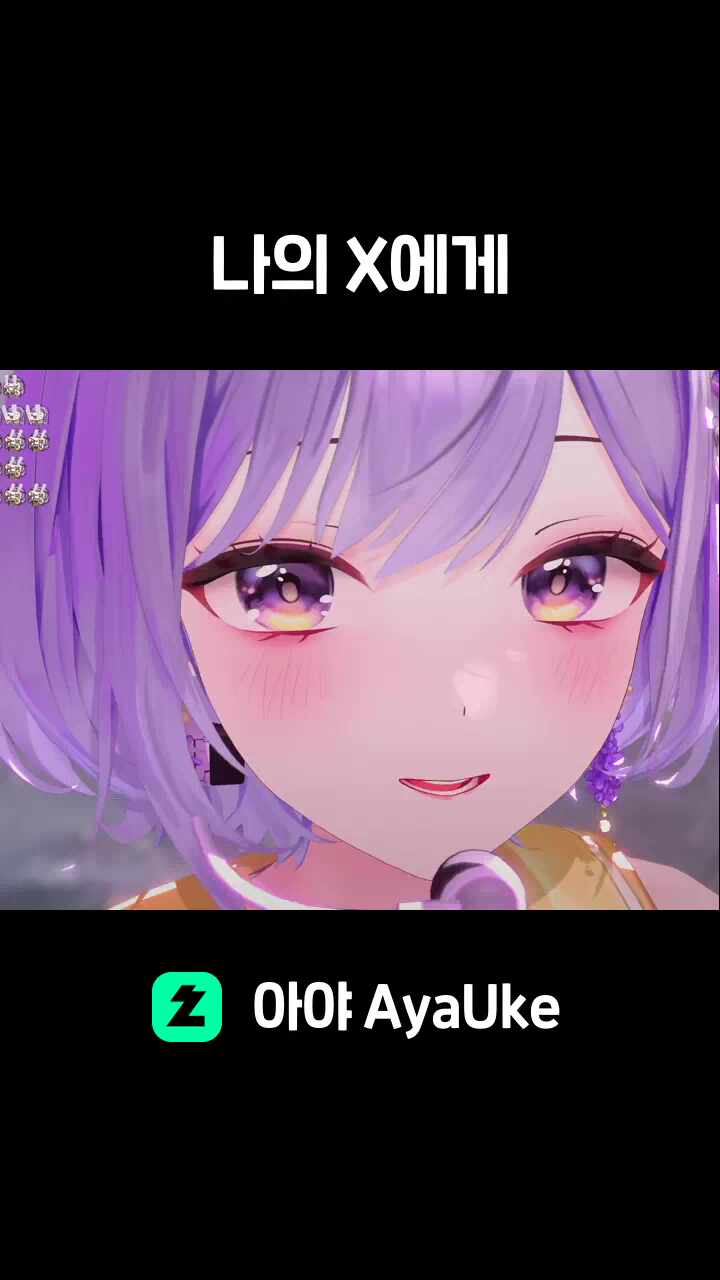
1:01Singing / Audio setup
KyoungSeo — Dear My X. A singing-stream clip published on CHZZK.
YouTube videos can play here. CHZZK clips open on their original platform. The samples are public broadcasts, not controlled before/after comparisons.

![Project [i]](assets/partners/project-i.jpg)


02 / Choose your sound
Audio setup only. One PC and one microphone per base service, with remote output testing, backup and operating guidance.
01 / REMOTE AUDIO
A clear, balanced voice for chatting and gaming streams.
KRW 30,000
Voice-specific EQ · Noise reduction · Compressor · De-esser · Limiter · Two tailored effects
Discuss this setup02 / REMOTE AUDIO
Switch from everyday conversation to singing with a sound that fits your voice.
KRW 50,000
Everything in Talk audio · Reverb and echo · Vocal EQ · Genre-based microphone adjustment
Discuss this setup03 / REMOTE AUDIO
More control over different genres, preferences and vocal conditions.
KRW 80,000
Everything in Talk + singing · Up to three sound presets · Three follow-up tonal/effect adjustments over approximately three months
Discuss this setupThree months of support covers issues with the original audio settings not caused by the customer. The advanced plan’s three tonal/effect adjustments, over approximately three months, apply to the original equipment and environment. Equipment replacement, new features and configuration changes incur separate charges.
With an audio interface, setup uses Cantabile, Ableton or Studio One. Without one, processing can be configured in OBS. USB microphone compatibility is checked by model. All audio services include equipment/connection checks, output tests, a settings backup and usage guidance.
The service covers microphone processing and audio routing. OBS checks are limited to sound output.
Paid DAW and VST licenses and hardware purchases are separate. Any required paid software is explained and agreed before work.
For existing setup clients: restore an existing backup for KRW 5,000, or reconfigure for replaced equipment at 20% off the regular audio service price. If backup restoration is also requested, its KRW 5,000 fee is added separately.
Prices are in Korean won (KRW). Paid software and hardware are separate. Overseas compatibility, scope, total price, payment method and session time are confirmed before work.
03 / A remote session, together
Connect your microphone and equipment, have a stable internet connection, and be ready to speak or sing during testing.
Share your microphone/interface models, PC operating system and country or time zone. Tell us what you want to change in your talking or singing sound.
Before booking, confirm equipment/software compatibility, the remote connection method, communication language, scope, total price, payment method and session time.
Speak or sing during the session. Check the recording or stream output, then receive a settings backup and operating guidance.
04 / Start with your equipment
Send your equipment models, PC operating system, country or time zone, and two or three preferred session times. We’ll confirm the scope before booking.
porori@connectlabs.kr05 / Full client directory
110Clients in the directory
Browse all 110 clients and their official channels. Open the directory to search by name or platform.
110 / 110
No matching clients. Try another name or select All.
The source directory covers broadcast and audio setup experience together. It does not specify a separate audio scope for every client. Original creator names are retained; audience figures are omitted.Portfolio source (KR) ↗